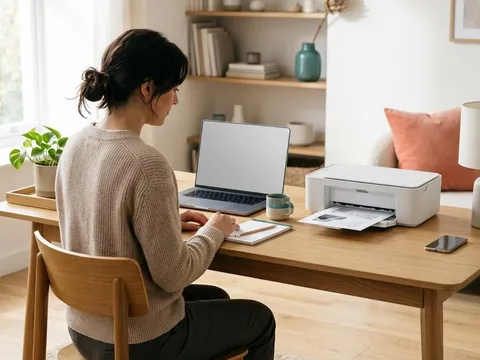
Every printed page has a cost made up of ink or toner, paper and a little wear on the printer. You cannot change the printer you already own, but you can change how much each page costs to produce. The savings come from a handful of habits: printing only what you need, choosing sensible default settings, buying supplies in the right size, and keeping the printer healthy so cleaning cycles do not waste ink. This guide covers each one, with the changes that make the most difference first.
What you'll need
- Access to your printer's default settings on your computer
- The cartridge or toner numbers your printer uses, including high-yield versions
- A few minutes to change default settings once
Step by step
7 steps-
Step 1 of 7
Preview before you print
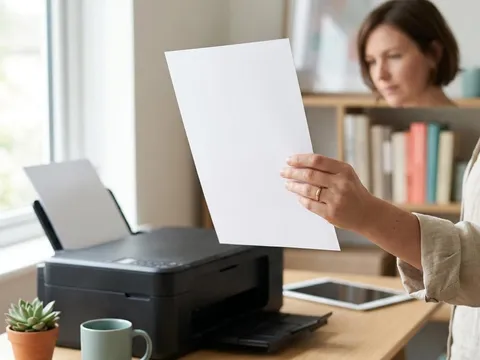
Use print preview every time. It catches the blank last page, the web page that prints as twelve sheets of adverts, and the spreadsheet that splits one column onto a separate page. Selecting just the pages or the part of a page you need is the single cheapest saving there is.
-
Step 2 of 7
Set sensible defaults on your computer
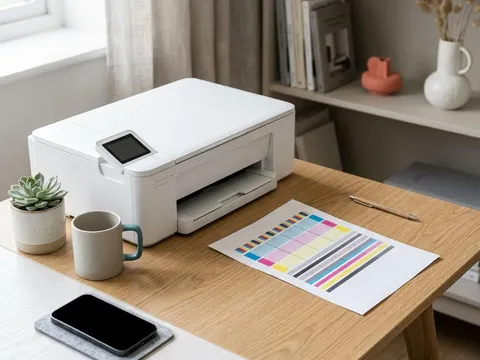
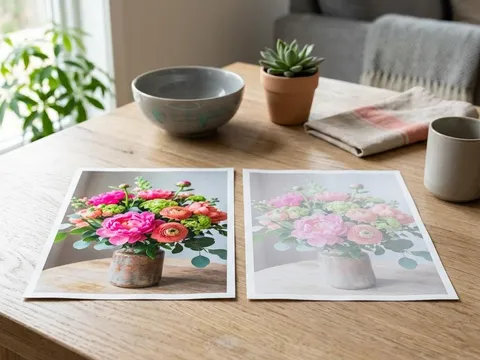
Open the printer preferences from your computer's printer settings and change the defaults rather than adjusting every job. Set quality to Standard, or Draft for everyday printing, and set color to Grayscale or Black and white if most of what you print is text. You can still choose color or high quality for an individual job when you need it.
-

Step 3 of 7
Print on both sides
If your printer has automatic two-sided printing, often called duplex, set it as the default. It halves the paper you use for longer documents. Without automatic duplex, most drivers offer manual two-sided printing, where the printer prints one side and then asks you to turn the stack over.
-
Step 4 of 7
Fit more on each page
For notes, slides and reference material, print two or four pages per sheet using the pages-per-sheet or multiple-pages option in the print dialog. Reduce margins in documents you write yourself, and choose a compact, readable font.
-
Step 5 of 7
Buy high-yield supplies
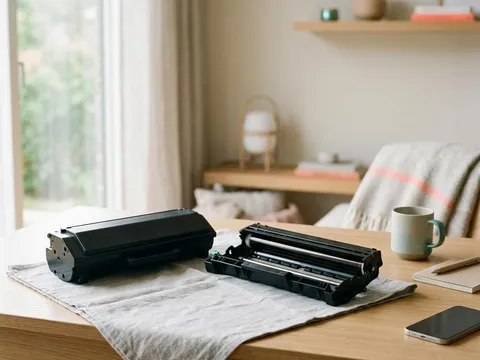
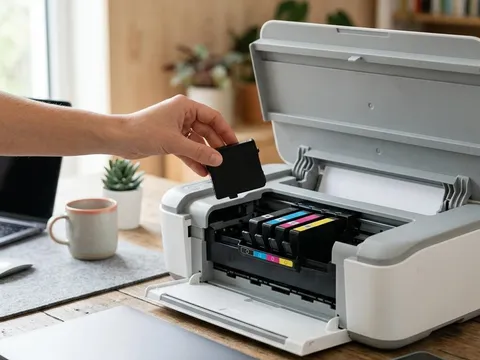
Many printers accept both standard and high-yield cartridges or toner. High-yield versions cost more per pack but usually print far more pages, which lowers the cost of each page. Compare the page yield on the pack, measured under ISO standards, rather than the price.
-
Step 6 of 7
Print regularly so ink does not dry
Inkjets that sit unused for weeks often need cleaning cycles, which use a lot of ink. Printing one color page a week keeps the nozzles moist and reduces the need for cleaning. If you rarely print, a laser printer may suit you better in the long run, because toner does not dry out.
-
Step 7 of 7
Replace only what is empty
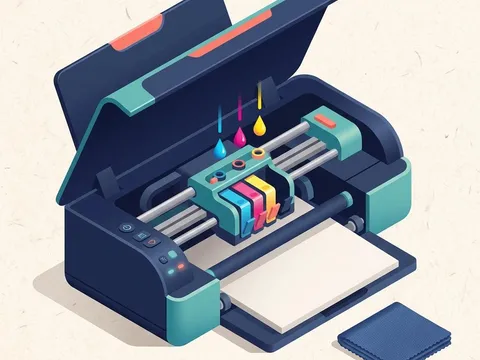
On printers with separate cartridges for each color, replace only the color that has run out. Ignore early low-ink warnings: most printers keep printing well after the first warning appears. Wait until print quality actually drops or the printer asks for a replacement.
Where the money goes
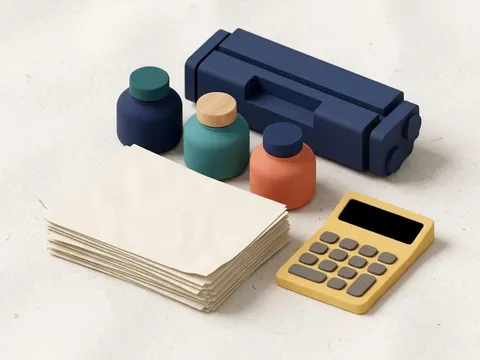
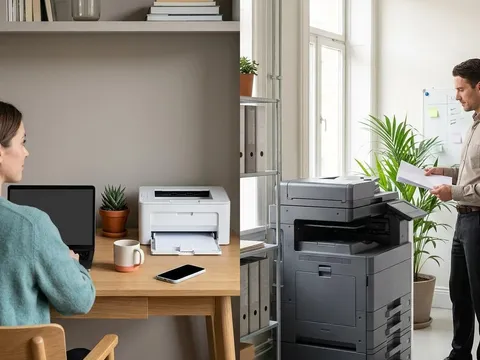
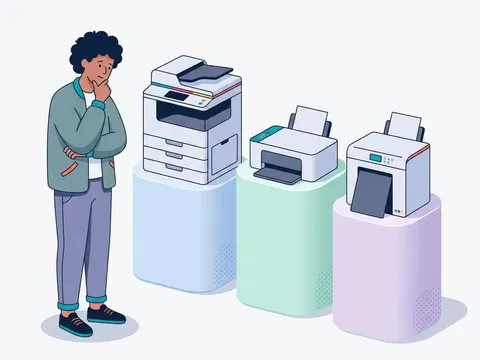
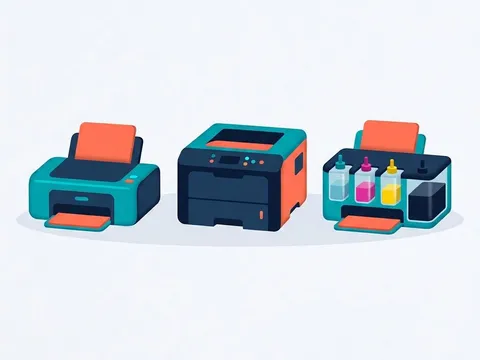
The largest cost for most home printers is ink or toner, followed by paper. Ink-tank printers and laser printers usually have lower supply costs per page than cartridge inkjets, while cartridge inkjets often cost less to buy. Our guide to understanding cost per page explains how to calculate the figure for any printer, which is useful when deciding whether to keep your current printer or switch.
Subscriptions and refill options
Some printer makers offer ink subscriptions that send cartridges automatically based on how many pages you print. They can be good value if your printing is steady, but read the plan details: unused pages may roll over only up to a limit, and cancelling can stop cartridges working on some plans. The terms are listed on each maker’s website, for example HP (opens in a new tab) and Epson (opens in a new tab). Refilled and compatible cartridges are another option; they cost less but vary in quality and are not accepted by every printer.
Paper choices that save money
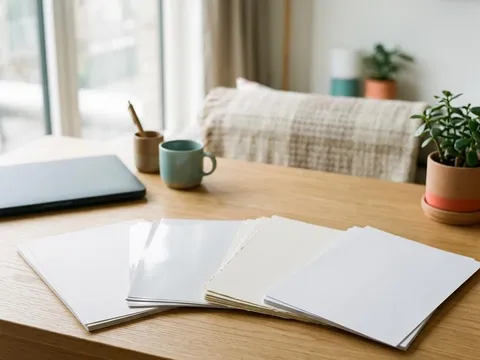
Plain multipurpose paper in the standard weight is the cheapest choice for everyday printing. Save photo paper and heavy card for jobs that need them, and buy them in pack sizes you will use within a year so they do not absorb moisture or curl. Reusing the blank side of misprinted pages for drafts saves paper, as long as the sheets are flat and free from staples.
Questions readers ask
Does grayscale printing really save color ink?
Usually, yes. Most printers use only black ink when set to grayscale. Some still use a small amount of color ink for maintenance, so savings vary by model.
Are high-yield cartridges worth it?
If you print regularly, they usually lower the cost per page noticeably. Compare the price divided by the rated page yield for each option to see the difference for your model.
Does draft mode damage the printer?
No. Draft mode simply uses less ink or toner per page. Text is lighter, so it suits drafts and notes rather than final documents.
Do fonts really affect ink use?
Slightly. Thinner fonts at a sensible size use less ink than bold, heavy fonts. The difference is small for occasional printing but adds up over thousands of pages.
Official manufacturer resources
Your printer's manual and the maker's website are the authoritative source for your exact model.
- HP — manuals, drivers and product help (hp.com) (opens in a new tab)
- Canon — manuals, drivers and product help (usa.canon.com) (opens in a new tab)
- Epson — manuals, drivers and product help (epson.com) (opens in a new tab)
- Brother — manuals, drivers and product help (brother.com) (opens in a new tab)