Learn
How printers actually put marks on paper
Four ways to print, explained in plain English, plus the terms you will see on every spec sheet.
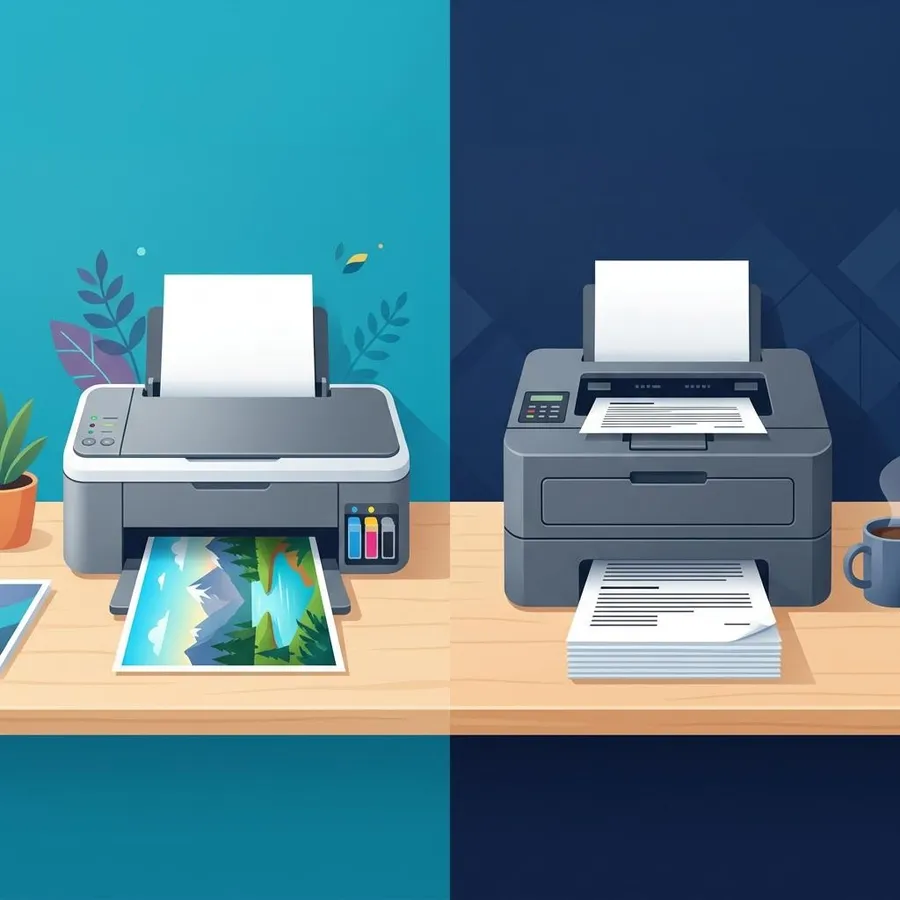
Independent guide — not affiliated with any manufacturer. For warranty or official support, contact the maker of your printer.
What this section covers
Every printer has the same job: put tiny marks exactly where they belong on a sheet of paper. What changes is how. Some spray liquid, some melt powder, some use heat, and some still strike a ribbon. Once you know which method your printer uses, its quirks start to make sense.
This section is for the curious and for anyone about to buy or troubleshoot a printer. Start with the four methods below, then skim the glossary. Each method links to a full printer type page with an animated diagram.
Primer
Four ways to make a mark
-
Sprays Inkjet
A moving printhead fires microscopic drops of liquid ink onto the page. Great for color and photos; ink-tank and most photo printers work this way too.
How inkjet printing works -
Fuses Laser
A laser draws the page as static charge on a drum, powdered toner sticks to it, and heat melts it onto paper. Fast, crisp text, low cost per page.
How laser printing works -
Heats Thermal
A row of tiny heaters darkens heat-sensitive paper, or melts a ribbon onto a label. No ink at all on direct thermal models.
How thermal printing works -
Strikes Impact
Metal pins hit an inked ribbon against the paper, like a typewriter made of dots. Loud, but it prints through multi-part forms.
How impact printing works
All-in-one, ink-tank, photo and portable printers use one of these four methods inside. Compare all eight printer types.
Glossary
Terms you will see
- DPI
- Dots per inch: how many ink or toner dots a printer can place in a line one inch long. Higher numbers allow finer detail, but paper and ink matter just as much.
- PPM
- Pages per minute: a speed rating, usually measured on simple text pages. Real-world color or photo printing is slower.
- Duplex
- Printing on both sides of the paper. Automatic duplex flips the sheet for you; manual duplex asks you to reload it.
- ADF
- Automatic document feeder: a tray on top of an all-in-one that pulls a stack of pages through the scanner one at a time.
- Toner
- Fine dry powder used by laser printers. It is melted onto paper by heat rather than soaking in like ink.
- Drum
- The light-sensitive cylinder in a laser printer that carries the image before it is transferred to paper. Sometimes a separate replaceable part.
- Dye ink
- Ink with color dissolved in liquid. Bright and vivid, especially on glossy paper, but more prone to smudging and fading.
- Pigment ink
- Ink with tiny solid color particles suspended in liquid. Sharper text on plain paper and better resistance to water and light.
- Printhead
- The part of an inkjet that holds the nozzles and fires the ink. On some printers it is built into each cartridge.
- Nozzle check
- A test pattern that shows whether every ink channel is firing. Gaps in the pattern point to a clogged nozzle.
- Cost per page
- What each printed page costs in ink or toner (and paper). It usually matters more than the purchase price over a printer's life.
- Borderless
- Printing right to the edge of the paper with no white margin, common for photos.
Working out running costs? Our guide to calculating cost per page walks through the math.
3 guides
Learn guides
Deeper explainers on printer technology, newest first.
-
 Printer glossary: DPI, duplex, ADF, PPM and morePrinter specification terms explained in plain language, from DPI and PPM to duplex, ADF, duty
cycle, toner, drum, pigment and dye, plus how to use them.InkjetLaserInk-tankAll-in-onePhotoLabel & thermalPortableDot-matrixRead guide
Printer glossary: DPI, duplex, ADF, PPM and morePrinter specification terms explained in plain language, from DPI and PPM to duplex, ADF, duty
cycle, toner, drum, pigment and dye, plus how to use them.InkjetLaserInk-tankAll-in-onePhotoLabel & thermalPortableDot-matrixRead guide
-
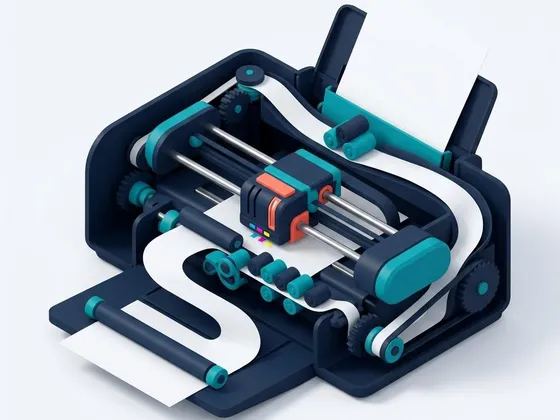 How printers work: inkjet, laser and thermalA plain explanation of how inkjet, laser and thermal printers put an image on paper, and what each
process means for quality, speed, cost and upkeep.InkjetLaserInk-tankLabel & thermalPhotoDot-matrixRead guide
How printers work: inkjet, laser and thermalA plain explanation of how inkjet, laser and thermal printers put an image on paper, and what each
process means for quality, speed, cost and upkeep.InkjetLaserInk-tankLabel & thermalPhotoDot-matrixRead guide
-
 Pigment vs dye ink: what the difference means for youHow pigment and dye inks differ in sharpness, color, fade resistance and water resistance, which
papers suit each, and how to tell which your printer uses.InkjetInk-tankPhotoAll-in-oneRead guide
Pigment vs dye ink: what the difference means for youHow pigment and dye inks differ in sharpness, color, fade resistance and water resistance, which
papers suit each, and how to tell which your printer uses.InkjetInk-tankPhotoAll-in-oneRead guide
Keep reading
Ready to put it into practice?
Find your printer type, then follow the setup and care guides that fit it.