Maintenance
Small habits that keep a printer printing
Nozzle checks, cleaning, paper and storage. Ten minutes now saves a ruined print later.

Independent guide — not affiliated with any manufacturer. For warranty or official support, contact the maker of your printer.
What this section covers
Printers rarely fail all at once. Ink dries in a nozzle, dust gathers on a roller, a ream of paper soaks up humidity. Maintenance is about catching those small things early, using the tools already built into your printer.
This section is for anyone who wants cleaner prints and fewer surprises, and for anyone tired of wasting ink. Guides explain what each maintenance routine actually does, when it is worth running, and when it is better to stop and leave it alone. For a sense of what your printer type needs, see printer types.
5 guides
Maintenance guides
Newest first. Filter by printer type to see only what applies to yours.
-
 Choosing the right paper for every printPaper weight, brightness, finish and size explained in plain terms, with the right choice for
everyday documents, photos, cards and laser printers.InkjetLaserInk-tankAll-in-onePhotoRead guide
Choosing the right paper for every printPaper weight, brightness, finish and size explained in plain terms, with the right choice for
everyday documents, photos, cards and laser printers.InkjetLaserInk-tankAll-in-onePhotoRead guide
-
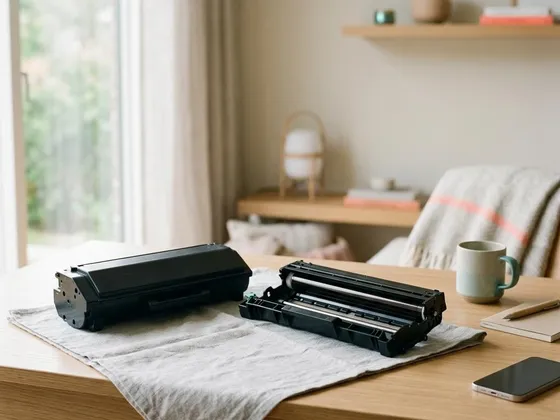 Caring for laser toner and drum unitsHow to store, handle and replace laser toner and drum units, read low-toner warnings correctly and
keep a laser printer producing clean, sharp pages.LaserRead guide
Caring for laser toner and drum unitsHow to store, handle and replace laser toner and drum units, read low-toner warnings correctly and
keep a laser printer producing clean, sharp pages.LaserRead guide
-
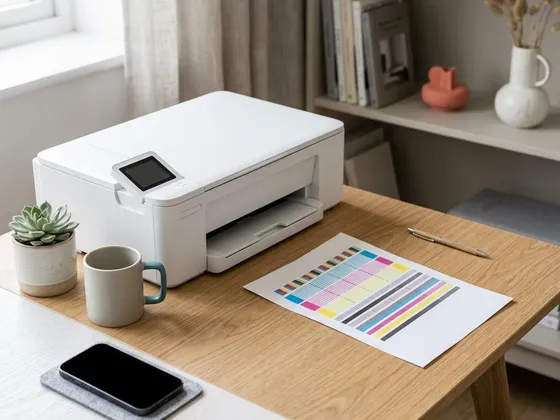 Nozzle check and printhead alignmentHow to print and read a nozzle check pattern, when to clean and when to wait, and how to align the
printhead for sharp text and straight lines.InkjetInk-tankAll-in-onePhotoRead guide
Nozzle check and printhead alignmentHow to print and read a nozzle check pattern, when to clean and when to wait, and how to align the
printhead for sharp text and straight lines.InkjetInk-tankAll-in-onePhotoRead guide
-
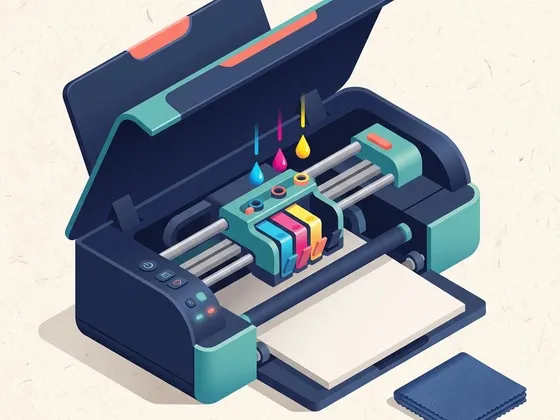 How to clean a printhead safelyWhen a cleaning cycle helps, when it only wastes ink, and how to do a careful manual clean on
printers that allow it.InkjetInk-tankPhotoAll-in-oneRead guide
How to clean a printhead safelyWhen a cleaning cycle helps, when it only wastes ink, and how to do a careful manual clean on
printers that allow it.InkjetInk-tankPhotoAll-in-oneRead guide
-
 Reducing your cost per pagePractical ways to spend less on ink, toner and paper: smarter settings, high-yield supplies,
two-sided printing and habits that prevent wasted pages.InkjetLaserInk-tankAll-in-onePhotoRead guide
Reducing your cost per pagePractical ways to spend less on ink, toner and paper: smarter settings, high-yield supplies,
two-sided printing and habits that prevent wasted pages.InkjetLaserInk-tankAll-in-onePhotoRead guide
Keep reading
Something already gone wrong?
Our troubleshooting guides are sorted by what you see on the page, not by brand.