Paper affects print quality, reliability and cost more than most people expect. The wrong paper causes jams, smudged ink, curled sheets and dull photos, while the right paper makes even an inexpensive printer look good. The labels on paper packs use terms such as weight, brightness and finish, and the numbers differ between regions. This guide explains each term, matches paper types to common jobs, and covers the settings that tell your printer what you have loaded.
What you'll need
- Your printer's paper specifications, listed in the manual
- The paper pack labels for the paper you have or plan to buy
- Access to the paper type setting in the print dialog
Step by step
7 steps-
Step 1 of 7
Check what your printer can handle
Look in the printer's manual or the specifications on the maker's website for the paper weights and sizes each tray accepts. Many printers take heavier paper only through a rear slot or manual feed. Staying within these limits prevents most jams and feed problems.
-
Step 2 of 7
Understand paper weight
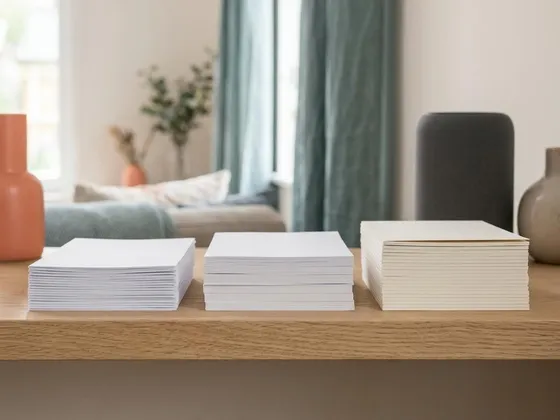
In the United States, paper weight is usually given in pounds, such as 20 lb or 24 lb for everyday paper. Elsewhere, it is given in grams per square meter, where 75 to 90 g/m² is typical office paper. Heavier paper feels more substantial and lets less show through from the other side. Cardstock starts at around 65 lb cover, roughly 175 g/m².
-
Step 3 of 7
Choose brightness for everyday printing
Brightness, often shown as a number up to 100, describes how much light the paper reflects. Brighter paper makes text crisper and colors more vivid. For everyday documents, a brightness in the low 90s is plenty; higher brightness suits presentations and color reports.
-
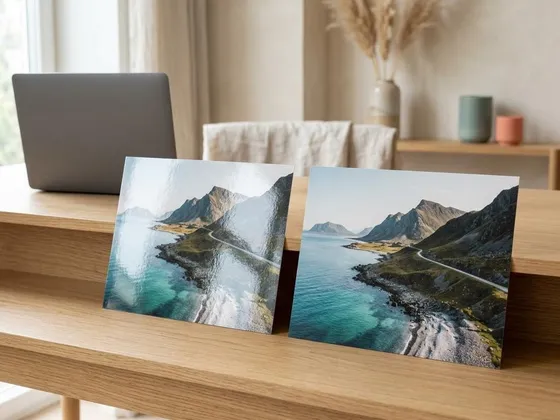
Step 4 of 7
Pick the right finish for photos
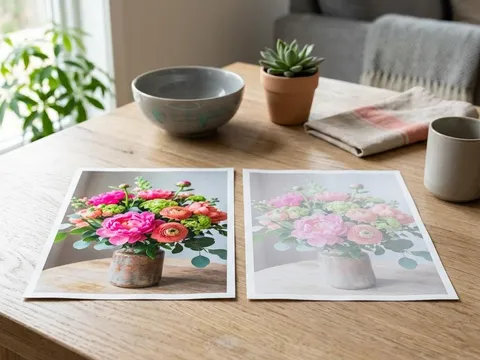
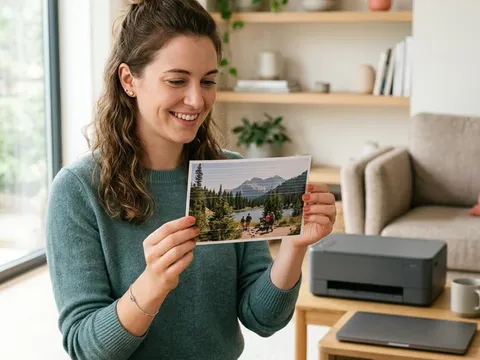
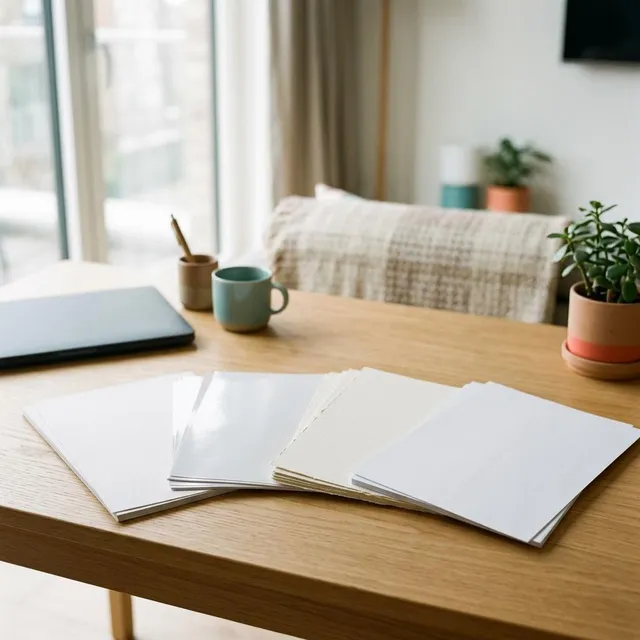
Glossy photo paper gives rich color and deep blacks but shows fingerprints and reflects light. Satin or luster finishes sit in between, with less glare. Matte photo paper has no shine, which suits framing behind glass and fine art prints. Use photo paper designed for inkjet printers on inkjets; it is coated to hold ink without spreading.
-
Step 5 of 7
Use laser-safe paper in laser printers
Laser printers heat the paper to fuse toner, so use paper labeled for laser or multipurpose use. Inkjet photo paper should never go in a laser printer: its coating can melt onto the fuser. For glossy results on a laser, choose paper made specifically for laser printers.
-
Step 6 of 7
Load paper the right way up
Photo paper and some specialty paper have one printable side. The printable side is usually brighter and smoother, and the pack shows which way to load it for your printer type. Plain paper often has an arrow on the ream wrapper showing the preferred print side.
-
Step 7 of 7
Tell the printer what you loaded
In the print dialog, set the paper type and size to match. The printer then adjusts the amount of ink, the drying time or the fuser temperature. Many printers also ask about the paper type when you close the tray; answering correctly avoids mismatch errors and poor results.
Common paper types at a glance
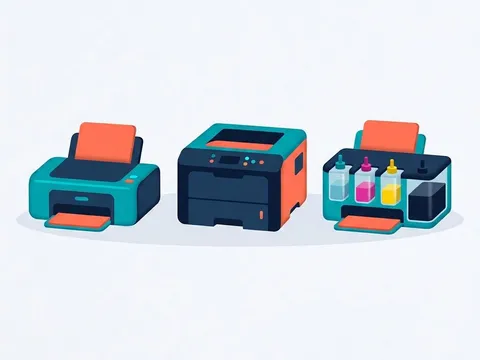
Multipurpose or copy paper is the everyday choice for both inkjet and laser printers. Inkjet paper has a smoother surface that keeps ink sharper for reports with color charts. Laser paper is designed to handle fuser heat without curling. Photo paper, in glossy, satin and matte finishes, is coated to hold fine detail and vivid color. Cardstock is for cards, covers and invitations, and labels come on sheets designed for either inkjet or laser.
Sizes in different regions
North America uses Letter (8.5 × 11 inches) and Legal (8.5 × 14 inches) for documents. Most other countries use A4 (210 × 297 mm). Common photo sizes include 4 × 6 inches and 5 × 7 inches. If prints come out shrunk or cropped, check that the paper size in the print dialog matches the paper in the tray, not just the document size.
Maker papers and third-party papers
Printer makers sell papers tuned for their inks and settings, such as the photo papers from Canon (opens in a new tab) and Epson (opens in a new tab), and their drivers often include matching paper profiles. Good third-party papers can work just as well, and many paper makers publish downloadable color profiles for popular printers. For important photo projects, print a test on a single sheet before committing to a full pack.
Storing paper
Keep paper in its wrapper, flat and away from damp rooms, heaters and direct sunlight. In humid weather, load only what you need for the next day or two. Paper that has absorbed moisture jams more often and gives softer, slightly blurred prints.
Questions readers ask
What paper should I use for everyday printing?
Standard multipurpose paper at 20 to 24 lb (75 to 90 g/m²) with a brightness in the low 90s works well in almost every printer for documents, letters and forms.
Can I print photos on plain paper?
You can, but colors look duller and the paper may wrinkle from the ink. Photo paper is coated to hold ink on the surface, which gives sharper, more vivid results.
Why does my paper curl after printing?
Ink adds moisture and laser fusers add heat, both of which can curl paper. Heavier paper curls less. Storing paper flat and sealed until use also helps.
Is recycled paper safe for printers?
Yes, recycled office paper made for printers works well in most machines. Choose a recognized brand of recycled multipurpose paper rather than reusing sheets that have staples, creases or tape.
Official manufacturer resources
Your printer's manual and the maker's website are the authoritative source for your exact model.
- Canon — manuals, drivers and product help (usa.canon.com) (opens in a new tab)
- Epson — manuals, drivers and product help (epson.com) (opens in a new tab)
- HP — manuals, drivers and product help (hp.com) (opens in a new tab)
- Brother — manuals, drivers and product help (brother.com) (opens in a new tab)