Setup guides
Set up your printer, one clear step at a time
From the first power-on to printing from every device in the house. Plain steps, no jargon.
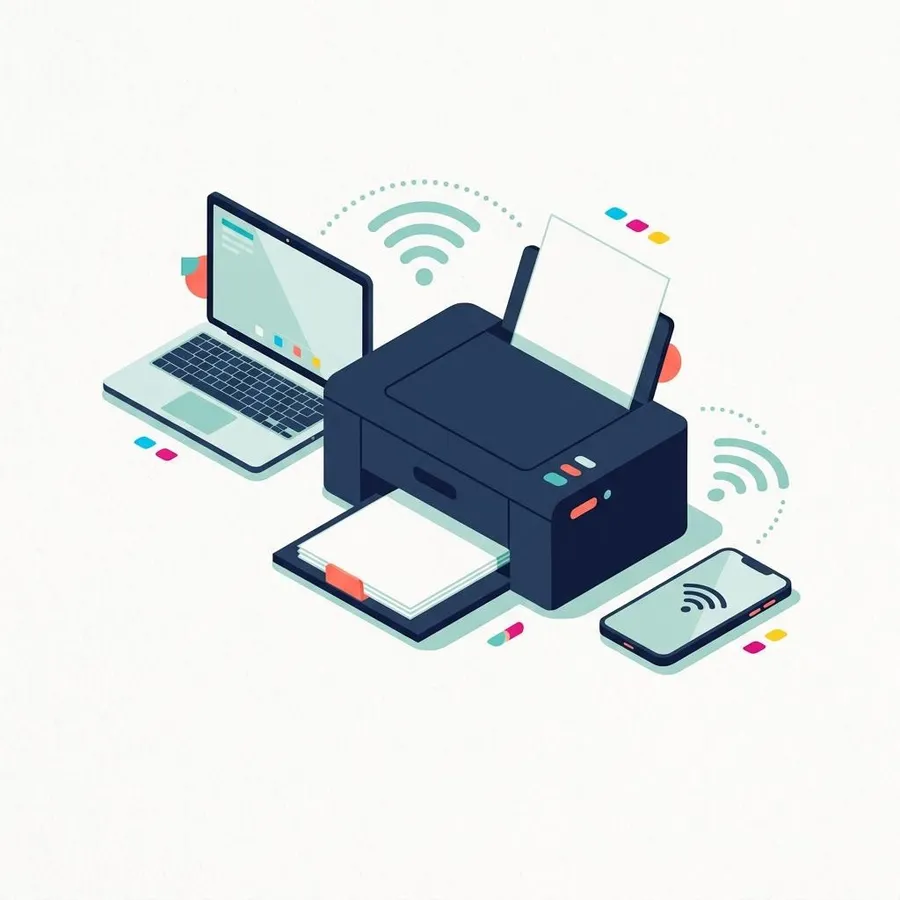
Independent guide — not affiliated with any manufacturer. For warranty or official support, contact the maker of your printer.
What this section covers
Most printer trouble starts at setup: a printer joined to the wrong network, a USB cable plugged in at the wrong moment, or a computer that found the printer once and then lost it. These guides take you through each connection method calmly, in the order that tends to work best.
They are written for people setting up a home or small-office printer themselves, whether it is brand new or moving to a new router. Each guide lists what you need first, then walks through numbered steps with illustrations. If you are not sure what kind of printer you have, start with printer types.
6 guides
Setup guides
Newest first. Filter by printer type to see only the guides that apply to yours.
-
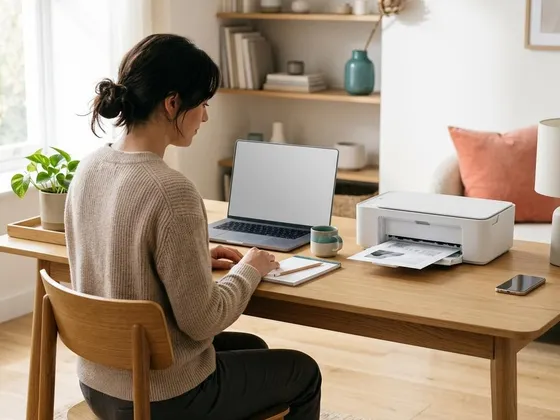 Add a printer to your computer, step by stepHow to add a USB or network printer from your computer's printer settings, install the right
driver, set it as default and print a first test page.InkjetLaserInk-tankAll-in-onePhotoLabel & thermalRead guide
Add a printer to your computer, step by stepHow to add a USB or network printer from your computer's printer settings, install the right
driver, set it as default and print a first test page.InkjetLaserInk-tankAll-in-onePhotoLabel & thermalRead guide
-
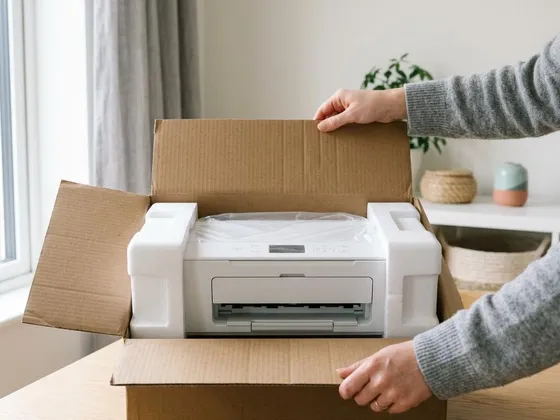 Unboxing and first setup of a new printerFrom the box to a first clean page: removing packing tape, installing ink or toner, loading paper,
running alignment and choosing how to connect.InkjetLaserInk-tankAll-in-onePhotoRead guide
Unboxing and first setup of a new printerFrom the box to a first clean page: removing packing tape, installing ink or toner, loading paper,
running alignment and choosing how to connect.InkjetLaserInk-tankAll-in-onePhotoRead guide
-
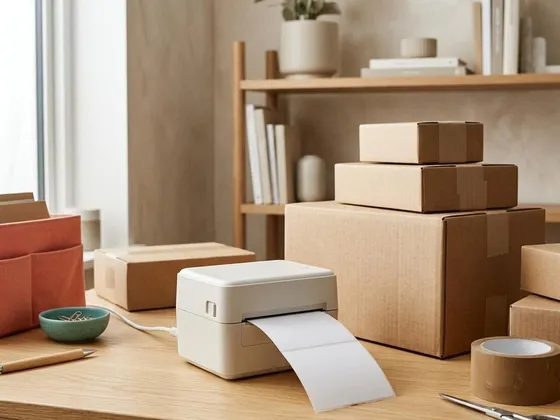 Set up a label or thermal printerHow direct thermal and thermal transfer printers work, how to load labels correctly, calibrate the
label size and print clean shipping or barcode labels.Label & thermalPortableRead guide
Set up a label or thermal printerHow direct thermal and thermal transfer printers work, how to load labels correctly, calibrate the
label size and print clean shipping or barcode labels.Label & thermalPortableRead guide
-
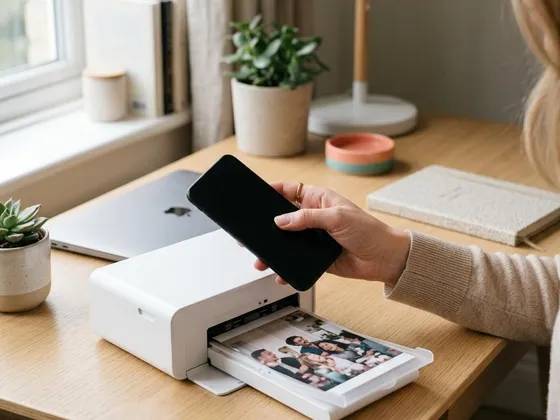 Print from a phone or tablet over Wi-FiWhat your network and printer need for mobile printing, how to send a page from a phone or tablet,
and what to check when the printer does not appear.InkjetLaserInk-tankAll-in-onePhotoPortableRead guide
Print from a phone or tablet over Wi-FiWhat your network and printer need for mobile printing, how to send a page from a phone or tablet,
and what to check when the printer does not appear.InkjetLaserInk-tankAll-in-onePhotoPortableRead guide
-
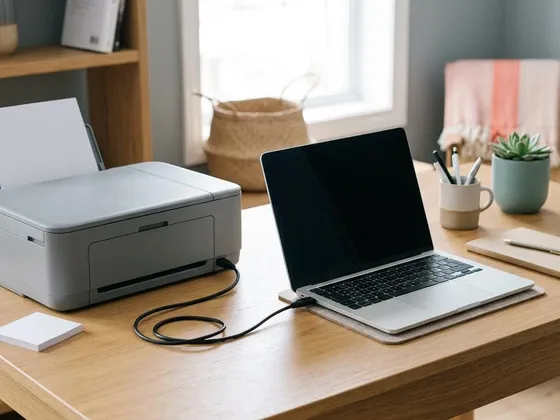 Connect a printer with a USB cableThe right cable, the right order to plug things in, and how to confirm your computer has set up a
USB printer correctly, with fixes for common hiccups.InkjetLaserInk-tankAll-in-onePhotoLabel & thermalDot-matrixRead guide
Connect a printer with a USB cableThe right cable, the right order to plug things in, and how to confirm your computer has set up a
USB printer correctly, with fixes for common hiccups.InkjetLaserInk-tankAll-in-onePhotoLabel & thermalDot-matrixRead guide
-
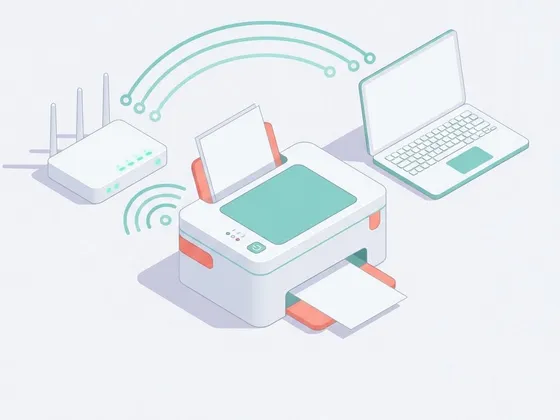 Connect your printer to Wi-Fi with WPS or manual setupBoth routes, side by side: the one-button WPS method and manual setup from the printer's menu,
plus how to add the printer and confirm it works.InkjetLaserInk-tankAll-in-onePhotoRead guide
Connect your printer to Wi-Fi with WPS or manual setupBoth routes, side by side: the one-button WPS method and manual setup from the printer's menu,
plus how to add the printer and confirm it works.InkjetLaserInk-tankAll-in-onePhotoRead guide
Keep reading
Printer connected? Keep it printing well
Our maintenance guides help you avoid the most common problems before they start.