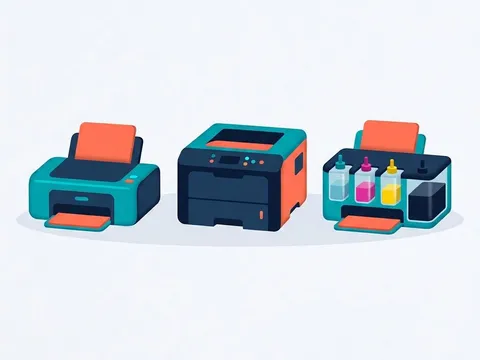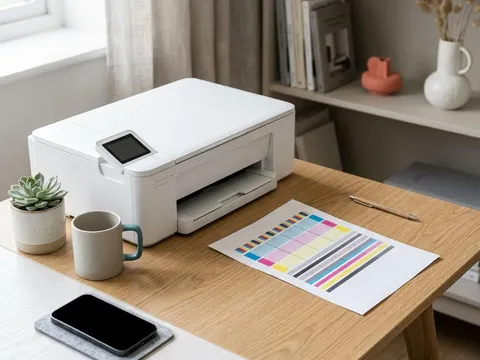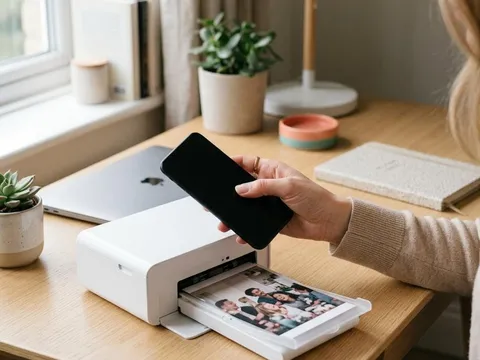
Every printer does the same basic job: it turns a digital page into marks on paper. How it makes those marks differs a great deal. Inkjets fire microscopic droplets of liquid ink. Laser printers draw the page with static electricity and fix powder onto it with heat. Thermal printers use heat alone, on special paper or through a ribbon. Understanding these processes explains why inkjets are good at photos, why lasers do not dry out, and why label printers never need ink.
What you'll need
- No equipment needed
- Your own printer nearby, if you want to match each part to the description
Step by step
6 steps-
Step 1 of 6
The computer prepares the page
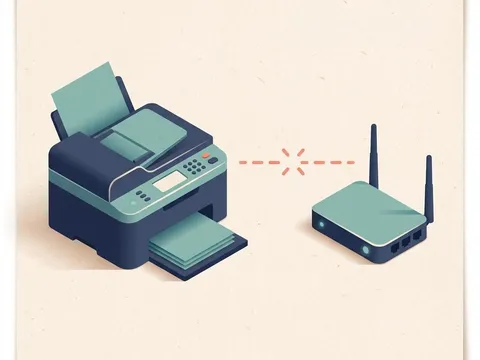
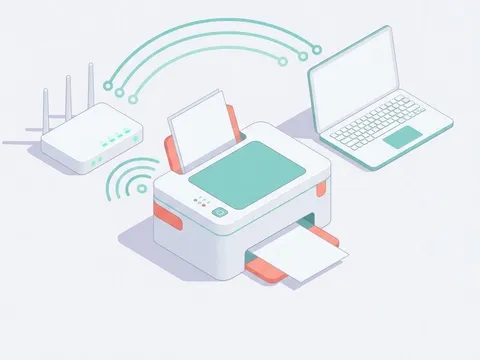
When you press Print, the computer and the printer driver turn your document into a page description the printer understands, made of dots or instructions for dots at a certain resolution. This is sent over USB, Wi-Fi or a network cable and stored in the printer's memory before printing begins.
-

Step 2 of 6
Inkjets fire tiny droplets
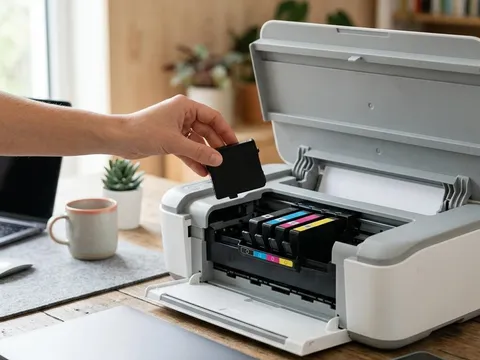
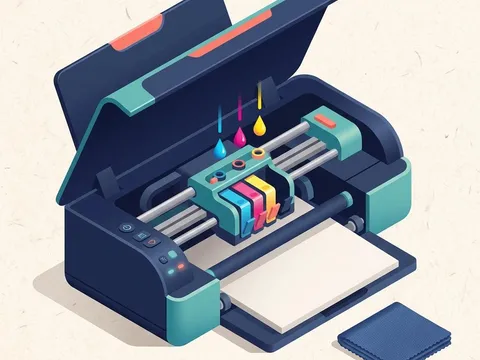
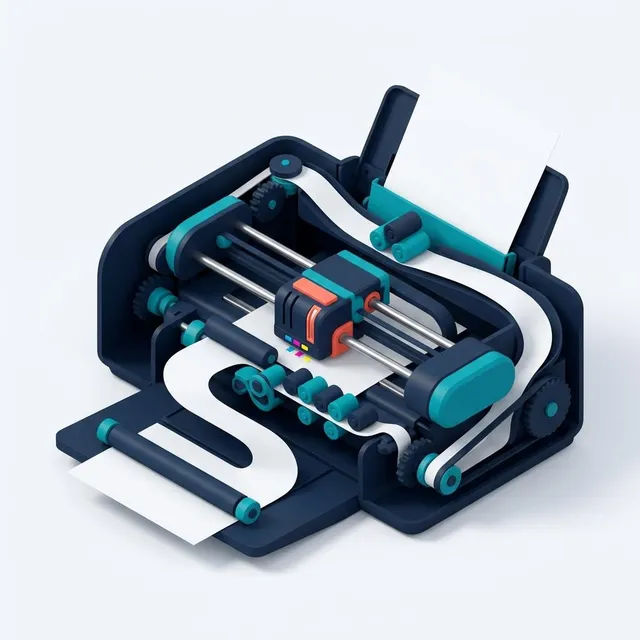
An inkjet printhead has hundreds or thousands of microscopic nozzles. In thermal inkjets, a tiny heater boils a speck of ink so a bubble pushes a droplet out. In piezo inkjets, a crystal flexes when charged and squeezes a droplet out. The head moves across the page while the paper moves forward, building the image line by line from cyan, magenta, yellow and black.
-
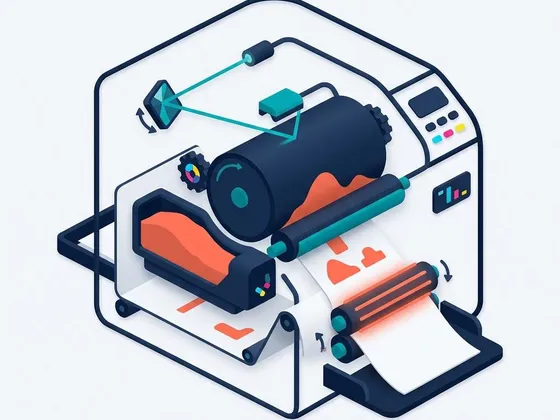
Step 3 of 6
Laser printers draw with electricity
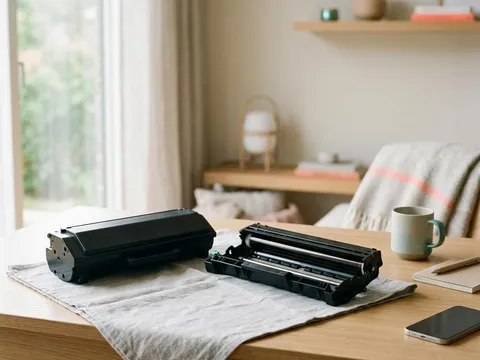
A laser printer gives a rotating drum an even electrical charge. A laser or LED array then draws the page on the drum by changing the charge in the shape of the text and images. Toner, a fine charged powder, sticks only to those areas. The paper passes under the drum and the toner transfers onto it.
-
Step 4 of 6
The fuser fixes the toner
After transfer, the toner is only resting on the paper. The fuser, a pair of heated rollers, melts and presses it into the paper fibers. That is why pages come out of a laser printer warm, and why paper and settings that suit the fuser matter.
-
Step 5 of 6
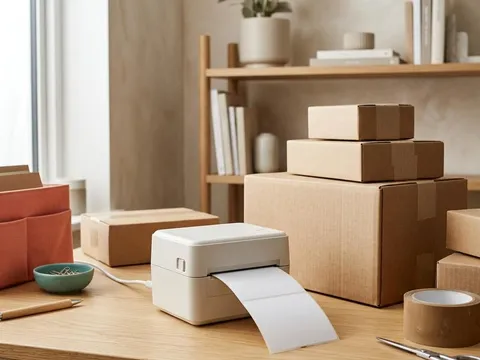
Thermal printers use heat on special paper
Direct thermal printers, used for shipping labels and receipts, have a printhead made of tiny heating elements. Heat-sensitive paper darkens where the elements warm it, so no ink or toner is needed. Thermal transfer printers use the same kind of head to melt ink from a ribbon onto labels, giving longer-lasting prints.
-
Step 6 of 6
Dot-matrix printers strike a ribbon
Dot-matrix printers push small pins against an inked ribbon to mark the paper. They are slower and noisier, but they can print through multi-part carbon forms, which is why they are still used for invoices and shipping documents in some businesses.
Why the process matters when you buy
The way a printer works explains most of its strengths and weaknesses. Inkjets blend fine droplets of several colors, which suits photos and smooth color gradients. Their nozzles need regular use. Laser printers excel at sharp text and fast multi-page documents, and they tolerate long breaks. Thermal printers are simple and cheap to run for labels, but print in one color on special media.
Thermal and piezo inkjet heads
Inkjet makers use two main methods to fire droplets. Thermal inkjet heads, used by makers such as HP (opens in a new tab) and Canon (opens in a new tab), heat the ink to form a bubble. Piezo heads, used by Epson (opens in a new tab) in many printers, flex a crystal instead of heating the ink, which allows a wider range of inks. Both produce excellent results; the difference mostly affects how the printhead is designed and replaced.
Where color comes from
Printers mix colors from cyan, magenta and yellow, plus black, often written CMYK. Overlapping dots of these colors in different amounts create every other shade. Photo printers add lighter versions of cyan and magenta, gray inks or extra colors to make smoother tones. Laser printers use four toners in the same CMYK system.
Questions readers ask
Why do inkjets clog but laser printers don't?
Inkjets use liquid ink in microscopic nozzles, where it can dry when a printer sits unused. Laser toner is a dry powder held in a cartridge, so there is nothing to dry out.
Why do laser prints come out warm?
The fuser heats the paper to melt toner into the fibers. The warmth fades within seconds of the page leaving the printer.
Do label printers need ink?
Direct thermal label printers do not; they use heat-sensitive labels. Thermal transfer printers use a ribbon instead of ink cartridges.
Is an LED printer a laser printer?
It works the same way, except that a row of LEDs draws the image on the drum instead of a laser beam. Print quality and running costs are similar.
Official manufacturer resources
Your printer's manual and the maker's website are the authoritative source for your exact model.
- Epson — manuals, drivers and product help (epson.com) (opens in a new tab)
- Canon — manuals, drivers and product help (usa.canon.com) (opens in a new tab)
- HP — manuals, drivers and product help (hp.com) (opens in a new tab)
- Brother — manuals, drivers and product help (brother.com) (opens in a new tab)