Troubleshooting
Start with what you see on the page
Guides sorted by symptom, not by brand. Likely causes first, then numbered steps you can follow.
Independent guide — not affiliated with any manufacturer. For warranty or official support, contact the maker of your printer.
How this section works
Printer problems look different depending on the brand, but the causes are remarkably similar. So we organize this section by symptom: what you actually see, like an offline status, a jam or a streak. Each guide starts with the signs, lists the likely causes from most to least common, then gives numbered steps.
These guides are for anyone who wants to understand and solve a common problem themselves. They do not replace your printer's manual. If something involves opening sealed parts or a warranty question, the maker of your printer is the right place to go.
Browse by symptom
What is your printer doing?
-
Printer shows offline
-
Nothing prints / jobs stuck in the queue
-
Wi-Fi keeps disconnecting
-
Paper jams
-
Curled or wavy paper
-
Streaks or lines on the page
-
Faded or missing colors
-
Blank pages come out
-
Wrong colors
-
Smudged prints or ghost images
-
Printing is very slow
-
Cartridge not recognized
10 guides
All troubleshooting guides
Newest first. Filter by printer type to see only the guides written for yours.
-
 Printer prints blank pagesWhy pages come out empty, from protective tape and empty cartridges to clogged nozzles and print
settings, and how to check each cause in order.InkjetInk-tankAll-in-onePhotoLaserRead guide
Printer prints blank pagesWhy pages come out empty, from protective tape and empty cartridges to clogged nozzles and print
settings, and how to check each cause in order.InkjetInk-tankAll-in-onePhotoLaserRead guide
-
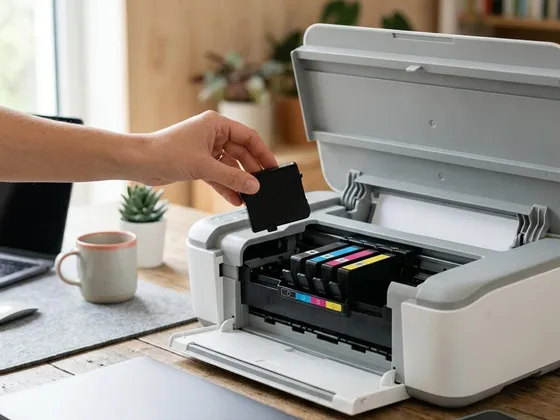 Cartridge not recognized: general checksWhen a printer will not accept an ink cartridge: seating, protective tape, dirty contacts, the
right model number and region settings, checked in order.InkjetAll-in-onePhotoPortableRead guide
Cartridge not recognized: general checksWhen a printer will not accept an ink cartridge: seating, protective tape, dirty contacts, the
right model number and region settings, checked in order.InkjetAll-in-onePhotoPortableRead guide
-
 Faded or missing colors in your printsPale prints or a color that has gone missing: how to check ink levels, quality settings, paper type
and nozzles, and what to do when one color will not print.InkjetInk-tankAll-in-onePhotoRead guide
Faded or missing colors in your printsPale prints or a color that has gone missing: how to check ink levels, quality settings, paper type
and nozzles, and what to do when one color will not print.InkjetInk-tankAll-in-onePhotoRead guide
-
 Smudged or ghosted prints from a laser printerWhy laser prints smear, rub off or show faint repeated images, and how to check paper, settings,
toner, drum and fuser in a safe, logical order.LaserRead guide
Smudged or ghosted prints from a laser printerWhy laser prints smear, rub off or show faint repeated images, and how to check paper, settings,
toner, drum and fuser in a safe, logical order.LaserRead guide
-
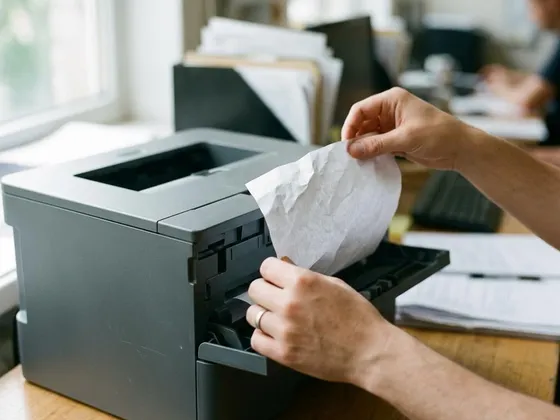 Paper jams: clearing them without tearingWhere jams hide, the gentle way to pull paper free so no scraps stay inside, and the habits that
make jams much less likely.InkjetLaserInk-tankAll-in-onePhotoDot-matrixRead guide
Paper jams: clearing them without tearingWhere jams hide, the gentle way to pull paper free so no scraps stay inside, and the habits that
make jams much less likely.InkjetLaserInk-tankAll-in-onePhotoDot-matrixRead guide
-
 Nothing prints: clearing a stuck print queueWhen jobs sit in the queue and nothing comes out: how to cancel stuck documents, restart the print
queue on your computer and get printing again.InkjetLaserInk-tankAll-in-onePhotoLabel & thermalDot-matrixRead guide
Nothing prints: clearing a stuck print queueWhen jobs sit in the queue and nothing comes out: how to cancel stuck documents, restart the print
queue on your computer and get printing again.InkjetLaserInk-tankAll-in-onePhotoLabel & thermalDot-matrixRead guide
-
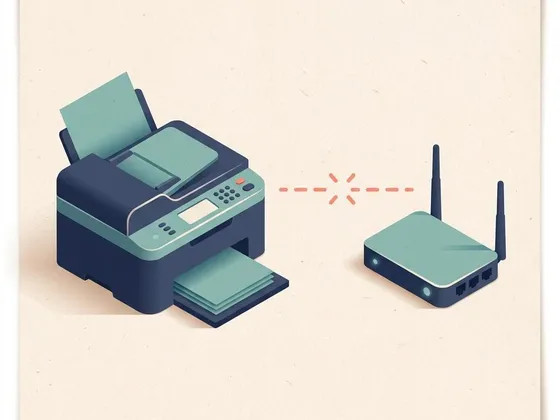 Printer shows offline: what to check, in orderWork from the simplest cause to the least likely: power, network, a stuck queue, a changed address
or an old printer entry on your computer.InkjetLaserInk-tankAll-in-onePhotoRead guide
Printer shows offline: what to check, in orderWork from the simplest cause to the least likely: power, network, a stuck queue, a changed address
or an old printer entry on your computer.InkjetLaserInk-tankAll-in-onePhotoRead guide
-
 Why printing is slow, and what speeds it upSlow first pages, slow photos or slow wireless jobs: what affects print speed, which settings help,
and when the connection or file is the real bottleneck.InkjetLaserInk-tankAll-in-onePhotoDot-matrixRead guide
Why printing is slow, and what speeds it upSlow first pages, slow photos or slow wireless jobs: what affects print speed, which settings help,
and when the connection or file is the real bottleneck.InkjetLaserInk-tankAll-in-onePhotoDot-matrixRead guide
-
 Fixing streaks and lines on printed pagesRead the pattern of streaks or lines to find the cause, then fix it: nozzle checks, alignment,
paper settings and, on laser printers, the drum and toner.InkjetInk-tankAll-in-onePhotoLaserRead guide
Fixing streaks and lines on printed pagesRead the pattern of streaks or lines to find the cause, then fix it: nozzle checks, alignment,
paper settings and, on laser printers, the drum and toner.InkjetInk-tankAll-in-onePhotoLaserRead guide
-
 Printer keeps dropping off Wi-FiWhy a wireless printer keeps losing its connection, and the fixes that work: placement, sleep
settings, network band, router changes and a fixed IP address.InkjetLaserInk-tankAll-in-onePhotoLabel & thermalRead guide
Printer keeps dropping off Wi-FiWhy a wireless printer keeps losing its connection, and the fixes that work: placement, sleep
settings, network band, router changes and a fixed IP address.InkjetLaserInk-tankAll-in-onePhotoLabel & thermalRead guide
Keep reading
Fixed it? Keep it from coming back
Regular care prevents many of the problems on this page. Our maintenance guides show how.