Printer boxes, specification sheets and manuals use a lot of shorthand. Most of it describes a small number of things: how fast the printer is, how fine its output is, what it can do with paper, and what it uses to print. This glossary explains the terms you are most likely to meet, each in a sentence or two, then shows how to use them to read a specification sheet and compare two printers.
What you'll need
- The specification sheet or product page for a printer you own or are considering
- A second printer's specifications, if you want to compare
Step by step
5 steps-

Step 1 of 5
Find the full specifications
Product pages often highlight a few headline features. Look for a link labeled Specifications, Specs or Tech specs, usually further down the page. The full list includes speed, resolution, paper handling, connectivity, supplies and recommended volume, which are the figures that matter when comparing.
-
Step 2 of 5
Start with what you print
If you print mostly text, focus on black PPM, first page out time and cost per page for black. If you print photos, look at the number of ink colors, the maximum photo size and borderless printing. If you scan, check for an ADF and whether it scans both sides in one pass.
-
Step 3 of 5
Check paper handling
Look at input tray capacity, the paper weights each tray accepts, the paper sizes listed, and whether automatic duplex is included. These figures determine how often you refill paper and whether the printer can handle card, envelopes or labels.
-
Step 4 of 5
Check connectivity
Look for USB, Wi-Fi, Ethernet and Wi-Fi Direct, plus the mobile printing standards the printer works with. If several people will print, Wi-Fi or Ethernet is essential.
-
Step 5 of 5
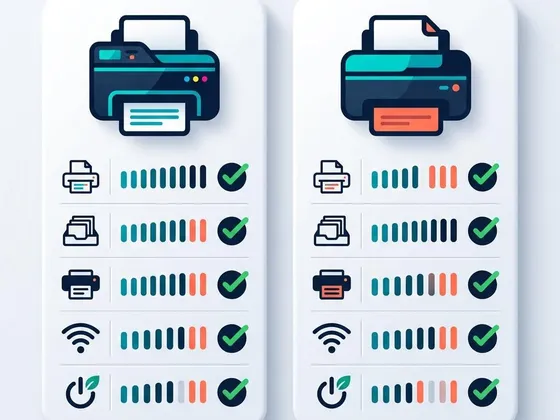
Compare two printers line by line
Put the two specification lists side by side and compare only the lines that matter for your printing. Ignore figures that are similar or irrelevant, such as maximum DPI for document printing. Finish by comparing the cost per page using the price and yield of replacement supplies.
Speed and resolution
PPM (pages per minute): how many pages the printer produces per minute, measured with standard test documents after the first page. Usually listed separately for black and color.
FPOT (first page out time): how long the first page takes from sending the job, including warm-up. More useful than PPM if you often print single pages.
DPI (dots per inch): how finely the printer can place ink or toner. Higher figures allow finer detail, but other factors also affect quality.
IPM (images per minute): a speed figure some makers use instead of PPM, measured with ISO standard documents.
Paper handling
Duplex: automatic printing on both sides of the paper. Duplex scanning means scanning both sides of a page.
ADF (automatic document feeder): a tray on top of an all-in-one that feeds a stack of pages through the scanner automatically.
Single-pass duplex scanning: an ADF that scans both sides of a page at once, rather than turning it over.
Borderless printing: printing right to the edge of the paper, mainly used for photos.
Paper weight: the thickness and heaviness of paper, in pounds (lb) or grams per square meter (g/m²).
Ink, toner and supplies
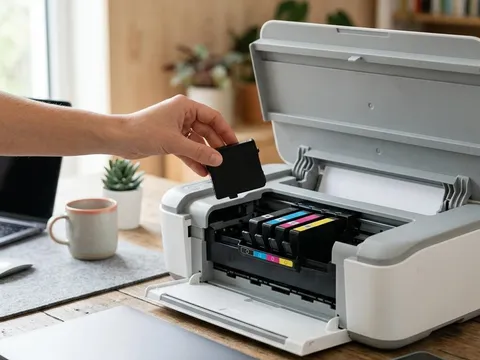
Cartridge: a replaceable container of ink or toner. Some ink cartridges include the printhead.
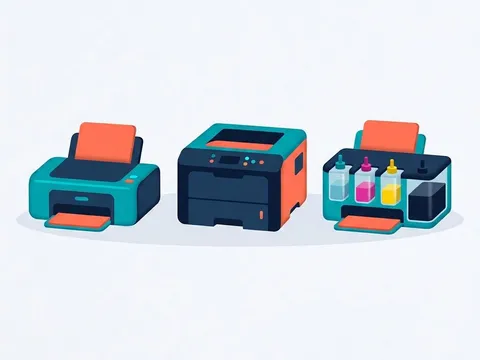
Ink tank: a refillable reservoir filled from ink bottles, used in ink-tank printers.
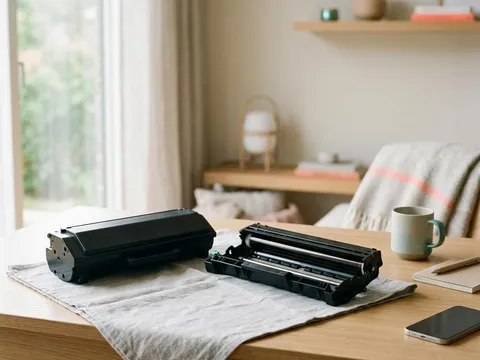
Toner: a fine dry powder used by laser printers, fused onto paper with heat.
Drum: the rotating cylinder in a laser printer that carries the image and transfers toner to the paper.
Fuser: the heated rollers in a laser printer that melt toner into the paper.
Pigment ink: ink made of tiny solid particles; sharp text and strong fade resistance.
Dye ink: ink made of dissolved color; vivid photos, especially on glossy paper.
Page yield: the number of pages a supply is rated to print, usually measured under ISO standards.
High-yield (XL): a larger cartridge or toner that prints more pages, usually at a lower cost per page.
Volume and connectivity
Duty cycle: the maximum number of pages per month a printer is designed to withstand.
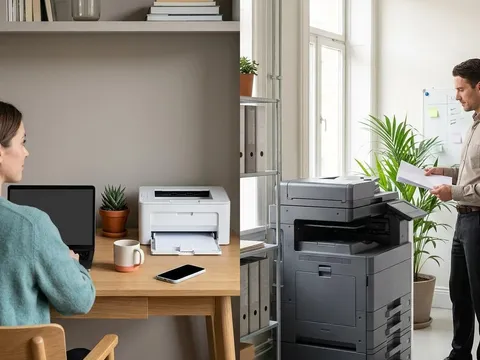
Recommended monthly page volume: the realistic monthly range for long-term use.
Wi-Fi Direct: a direct wireless connection between a device and the printer without a router.
Ethernet: a wired network connection to your router.
Firmware: the software inside the printer itself, updated from the printer or the maker’s website, such as the pages for Epson (opens in a new tab) or Brother (opens in a new tab) models.
Questions readers ask
Is a higher DPI always better?
Not always. Above a certain level, extra DPI makes little visible difference for text and everyday color. Paper, ink and printhead technology often matter more for photo quality.
What is the difference between duty cycle and recommended monthly volume?
Duty cycle is the most pages a printer can handle in a month under stress testing. Recommended monthly volume is the realistic range for long-term use, and it is the better figure for choosing a printer.
What does ISO yield mean?
It is the number of pages a cartridge or toner is expected to print, measured with standard test pages under ISO methods. It allows fair comparisons between supplies, even though real-world yields vary with what you print.
What is the difference between pigment and dye ink?
Pigment ink uses tiny solid particles that sit on the paper surface, giving sharp text and good resistance to fading and water. Dye ink is dissolved color that soaks into the paper, giving vivid photos, especially on glossy paper.
Official manufacturer resources
Your printer's manual and the maker's website are the authoritative source for your exact model.
- HP — manuals, drivers and product help (hp.com) (opens in a new tab)
- Canon — manuals, drivers and product help (usa.canon.com) (opens in a new tab)
- Epson — manuals, drivers and product help (epson.com) (opens in a new tab)
- Brother — manuals, drivers and product help (brother.com) (opens in a new tab)