Printer shopping is confusing because every product page claims to be fast, affordable and high quality. The way through is to start from what you actually print, not from the printers. Once you know whether you mostly print text or photos, how many pages a month, and how often, the right technology becomes clear, and the list of features worth paying for gets short. This guide takes you through those questions in order and ends with the costs that matter after you buy.
What you'll need
- A rough idea of how many pages you print per month
- A list of what you print most: documents, school work, photos, labels or forms
- Whether you need to scan or copy as well
Step by step
7 steps-
Step 1 of 7
Write down what you print
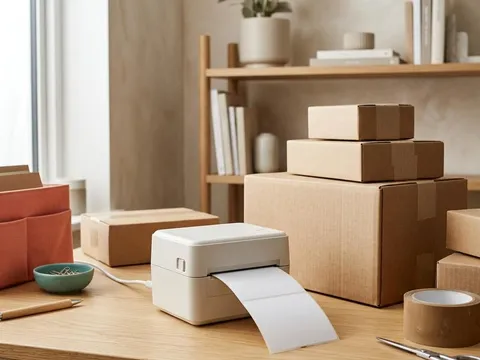
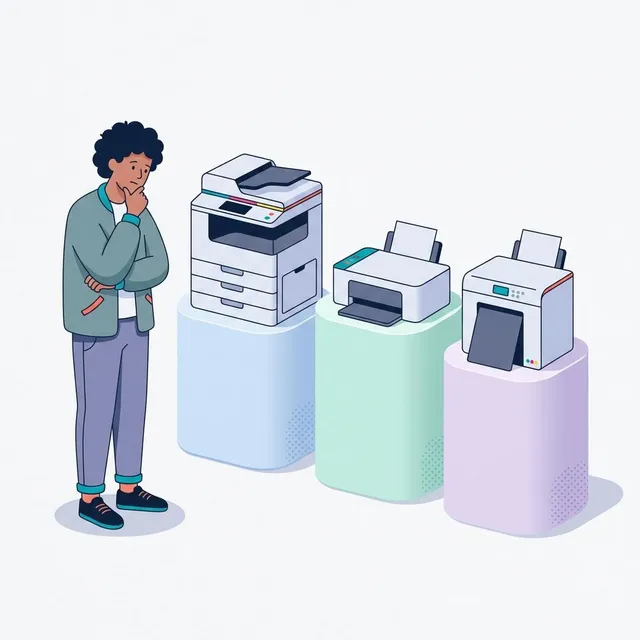
List the kinds of pages you printed in the last few months. Mostly black text documents, forms and boarding passes point towards a laser printer. A mix of documents and occasional color pages suits a cartridge or ink-tank inkjet. Frequent photos point to a photo inkjet. Shipping labels and barcodes are better served by a separate label printer.
-
Step 2 of 7
Estimate how much and how often you print
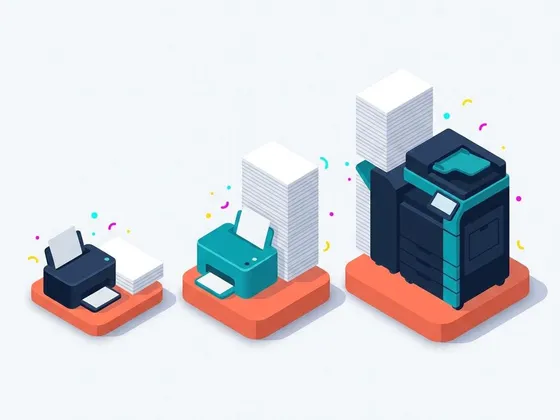
Count pages per month. Under about 50 pages, buy price matters more than running cost. Over a few hundred pages per month, running cost dominates, and an ink-tank or laser printer usually saves money over time. If you print rarely, perhaps once every few weeks, a laser printer avoids the dried-ink problems that inkjets can have.
-
Step 3 of 7
Choose the technology
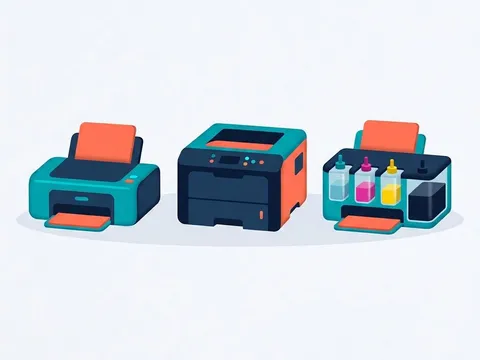
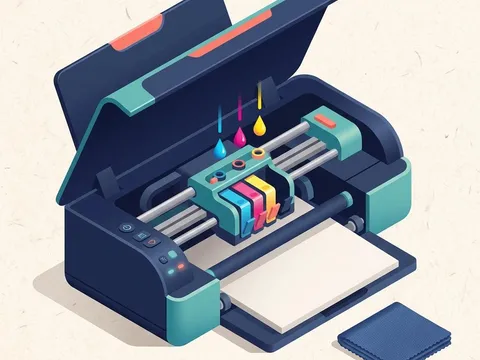
Cartridge inkjets are affordable to buy and good at color, but cost more per page. Ink-tank inkjets cost more upfront but have very low ink costs. Laser printers are fast, sharp with text and tolerate long breaks between jobs. Photo inkjets use extra ink colors for better photos. Our comparison of inkjet, laser and ink-tank printers goes into each in more detail.
-
Step 4 of 7
Decide on all-in-one or print-only
An all-in-one adds a scanner and copier. If you scan documents more than occasionally, it is worth it, and an automatic document feeder, called an ADF, helps with multi-page scans. If you never scan, a print-only model is smaller and often cheaper.
-
Step 5 of 7
Pick the features worth paying for
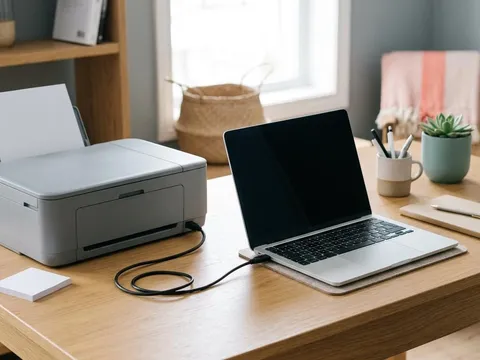
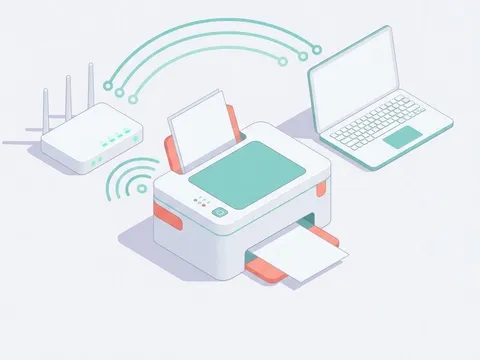
Automatic two-sided printing saves paper and is worth having. Wireless connectivity lets phones and laptops print without cables. A second paper tray helps if you switch between paper types. Touchscreens, fax and cloud features are nice to have rather than essential for most homes.
-
Step 6 of 7
Compare the running cost, not just the price
Look up the replacement ink or toner for each printer you are considering, its price and its rated page yield. Divide the price by the yield to get a cost per page for black and for color. Over two or three years, the printer with the lowest running cost is often cheaper overall even if it costs more to buy.
-
Step 7 of 7
Check size, noise and where it will live
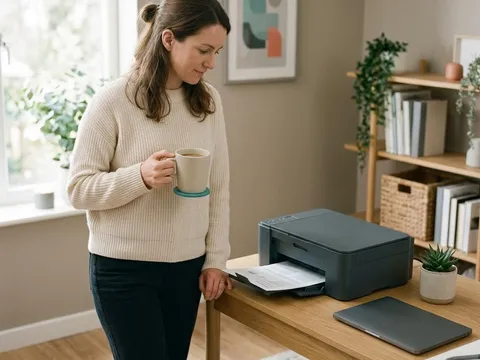
Measure the space, remembering room for the paper tray and output. Ink-tank and laser printers can be larger than compact inkjets. If the printer will sit in a bedroom or living area, look for a quiet mode in the specifications and check reviews for noise.
Reading a printer specification sheet
Specification sheets use a lot of abbreviations. PPM means pages per minute, measured with standard test documents. DPI means dots per inch, a measure of how finely the printer can place ink or toner. Duty cycle is the maximum number of pages per month the printer can handle, while the recommended monthly volume is the more realistic figure for everyday use. ADF stands for automatic document feeder, and duplex means automatic two-sided printing. Our printer glossary explains these and other terms in more depth.
Questions to ask before you buy
Can you buy replacement ink or toner easily where you live? Does the printer work with the devices you use, including phones and tablets? Does it need an online account or subscription for features you care about? The product pages on each maker’s website, for example Brother (opens in a new tab) or Canon (opens in a new tab), list compatible supplies, operating systems and any account requirements.
Thinking about the long term
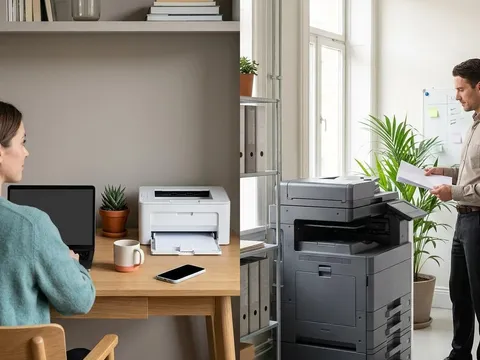
A printer is a small purchase compared with what it costs to run over several years. Choosing a model that matches your printing habits, with supplies that are easy to find and reasonably priced, will save more than any discount on the printer itself. If your needs change, for example more photos or much more volume, our guides on home versus office printers and on cost per page help you decide whether to switch.
Questions readers ask
What is the best printer for occasional use?
For mostly text, a compact monochrome laser printer is a strong choice because toner does not dry out between jobs. If you need color occasionally, a cartridge inkjet works, but print a page every week or two to keep the nozzles healthy.
Are cheap printers a false economy?
Sometimes. Low-priced inkjets often have small, expensive cartridges, so if you print a lot, the total cost can overtake a more expensive printer with cheaper supplies. Compare cost per page alongside the purchase price.
Do I need a photo printer for printing photos?
Many general inkjets print good photos on photo paper. A dedicated photo inkjet with extra ink colors gives smoother skin tones and better black-and-white photos, which matters most for enthusiasts.
How long should a printer last?
Many home printers last several years with normal use. Laser printers and business-oriented inkjets are often built for higher volumes. The maximum monthly duty cycle in the specifications gives a sense of how much a printer is designed to handle.
Official manufacturer resources
Your printer's manual and the maker's website are the authoritative source for your exact model.
- HP — manuals, drivers and product help (hp.com) (opens in a new tab)
- Canon — manuals, drivers and product help (usa.canon.com) (opens in a new tab)
- Epson — manuals, drivers and product help (epson.com) (opens in a new tab)
- Brother — manuals, drivers and product help (brother.com) (opens in a new tab)