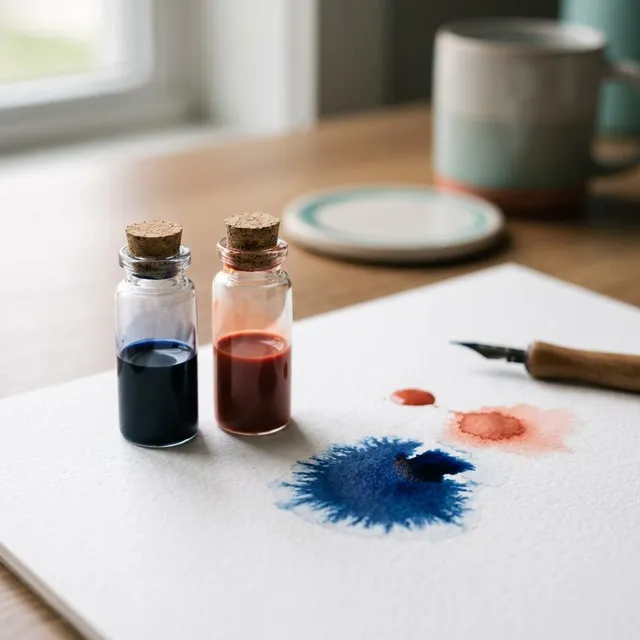
Inkjet inks come in two broad types. Dye ink is color fully dissolved in liquid, like food coloring in water. Pigment ink is made of tiny solid particles suspended in liquid, like very fine paint. Both work well, but they behave differently on paper. Dye soaks in and gives bright, glossy photos. Pigment sits on top and gives sharp text, strong water resistance and longer life. Many printers use both, and knowing which is which helps you pick paper and store prints.
What you'll need
- Your printer's specifications or ink pack, to check the ink type
- Plain paper and photo paper, if you want to test for yourself
- A drop of water and a sunny window, for the optional tests
Step by step
5 steps-
Step 1 of 5
Find out which ink your printer uses
Check the printer's specifications or the ink pack. Many document-focused printers use pigment black and dye colors. Many photo printers use all pigment or all dye. The ink name sometimes hints at the type, and the maker's product page usually states it clearly.
-
Step 2 of 5
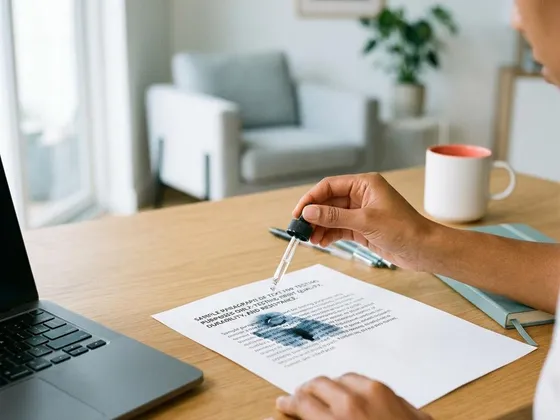
Run a simple water test
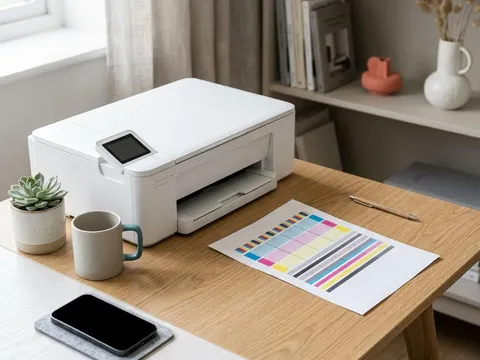
Print a line of text and a color block on plain paper. Wait an hour, then let a drop of water fall on each. Pigment ink usually stays put, while dye ink may bleed or blur. This quick test shows how your prints will cope with a damp hand or a splash.
-

Step 3 of 5
Match paper to the ink
Dye inks look their best on glossy and satin photo paper, where colors appear deep and vivid. Pigment inks look excellent on matte and fine-art papers and give sharp, dense text on plain paper. Many glossy papers work with both; the paper pack usually lists compatible ink types.
-
Step 4 of 5
Choose ink type by what you print
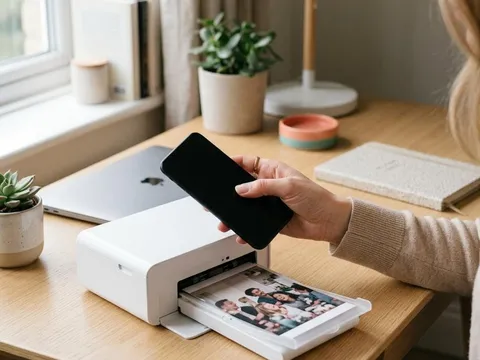
For everyday documents that must stay legible, such as forms and records, pigment black is ideal. For family photos on glossy paper that will stay in albums, dye inks give rich, bright results. For prints that will hang on a wall for years, pigment inks on suitable paper usually last longest.
-
Step 5 of 5
Store prints to make them last
Whatever the ink, keep prints out of direct sunlight, away from heat and damp, and behind glass or in albums with acid-free sleeves. Let prints dry fully, ideally for a day, before stacking or framing them.
How each ink behaves on paper
Dye molecules dissolve into the paper or the coating of photo paper. Because they sit inside the surface, glossy prints stay smooth and shiny, and colors can look very vibrant. The trade-off is that dyes are more sensitive to light, ozone in the air and water.
Pigment particles are much larger than dye molecules and stay mostly on the surface. They resist light and water well and keep edges sharp on plain paper, which is why many printers use pigment black for text. On some glossy papers, pigment prints show a slight sheen difference between inked and blank areas, called bronzing or gloss differential.
Finding the ink type for your model
Product pages and specifications usually state the ink type. Photo-focused lines from Epson (opens in a new tab) and Canon (opens in a new tab), for example, clearly describe whether they use pigment or dye inks and which papers suit them. When buying refills or compatible ink, match the ink type exactly; the wrong type can block nozzles.
A note on fade testing
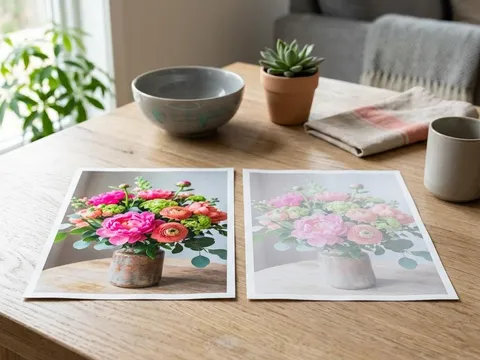
Fade resistance figures quoted for inks and papers come from accelerated tests in controlled conditions. Real life varies: a print in a sunny window fades far faster than one in an album. For a simple test of your own, print two copies, keep one in a drawer and tape the other to a sunny window, then compare after a month.
Questions readers ask
Which lasts longer, pigment or dye ink?
Pigment ink usually resists fading and water much better, which makes it the stronger choice for archival prints. Modern dye inks on good photo paper can still last many years when kept out of sunlight.
Can I mix pigment and dye inks in one printer?
Only in the way the printer was designed. Many printers use pigment black and dye colors by design. Never put a different ink type into a cartridge or tank than the one specified for it.
Why is my pigment ink smudging on glossy paper?
Pigment particles sit on the surface, and some glossy papers do not absorb them well, so prints can smudge until fully dry. Use paper listed as compatible with pigment ink, and allow longer drying time.
Is dye ink better for photos?
Dye ink often gives brighter, glossier photos on glossy paper. Pigment ink gives excellent results on matte paper and longer life. Both can produce beautiful photos with the right paper.
Official manufacturer resources
Your printer's manual and the maker's website are the authoritative source for your exact model.
- Epson — manuals, drivers and product help (epson.com) (opens in a new tab)
- Canon — manuals, drivers and product help (usa.canon.com) (opens in a new tab)
- HP — manuals, drivers and product help (hp.com) (opens in a new tab)
- Brother — manuals, drivers and product help (brother.com) (opens in a new tab)